
Your dream game. Built here.
Design rich 2D worlds in Spritedeck, run them in whichever engine you love.
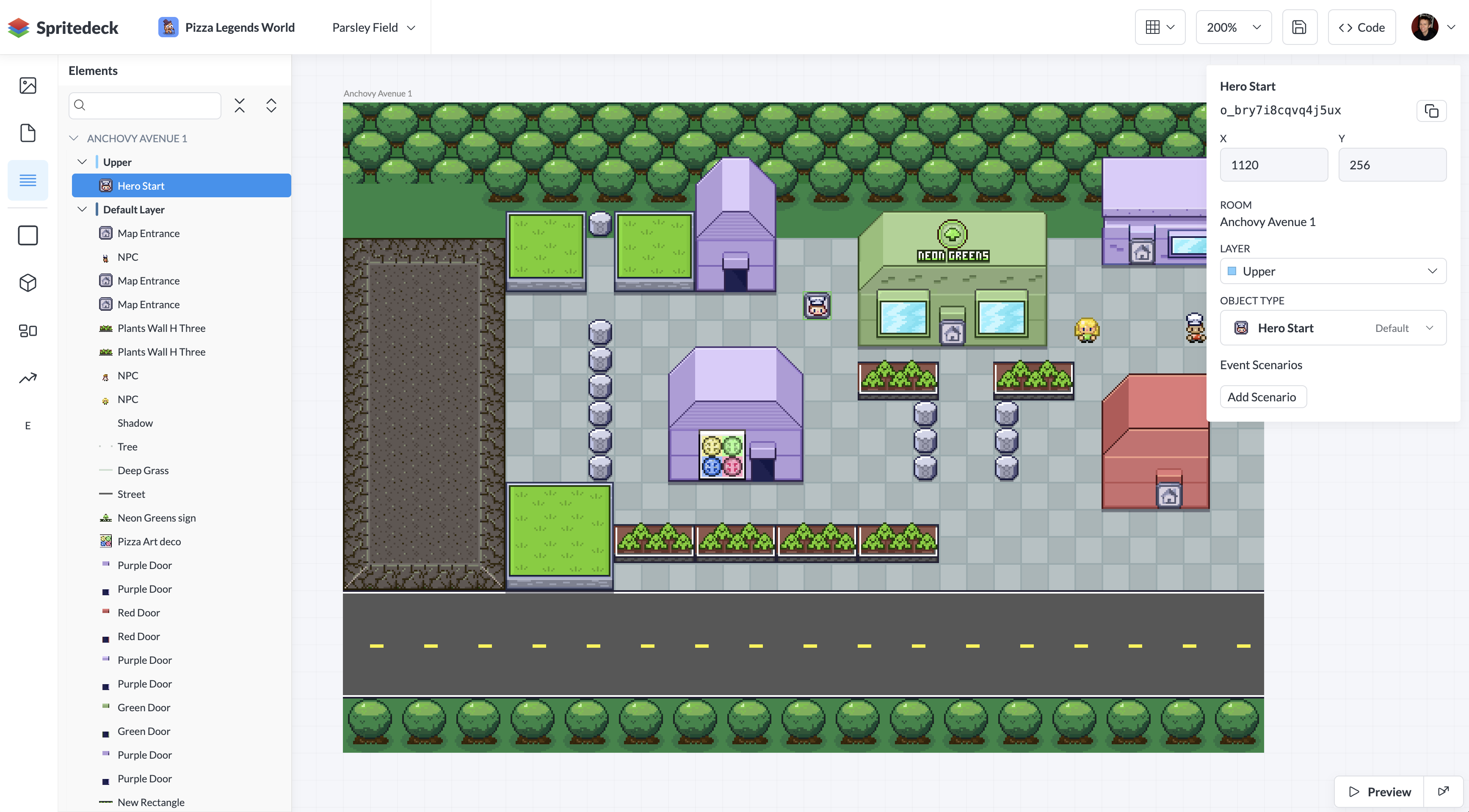
Everything you need to start making games
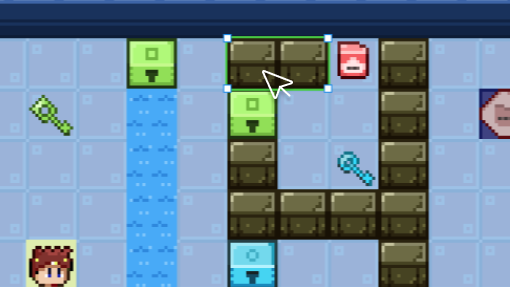
Fluid realtime editing
Draw, pan, zoom, and sprawl out as far as your world needs. Grab entities and move them around. If you've used a design app before, you'll feel right at home.
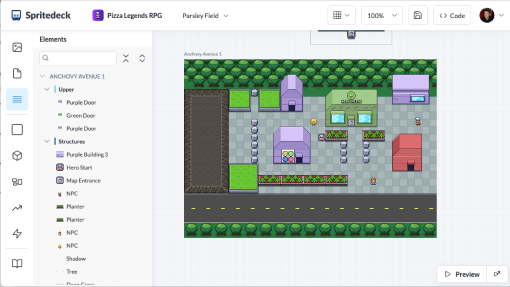
Local, Web, and Desktop
Work locally in your browser, save to the web, or use Spritedeck Desktop. Start wherever you like, then switch anytime and pick up right where you left off.
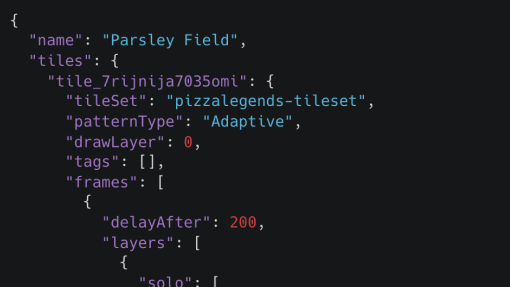
Export to any Game Engine
Everything you make in Spritedeck exports as platform-agnostic data. Use the content however you want in your favorite game engine. We have tools to help make it easy.
Live Preview
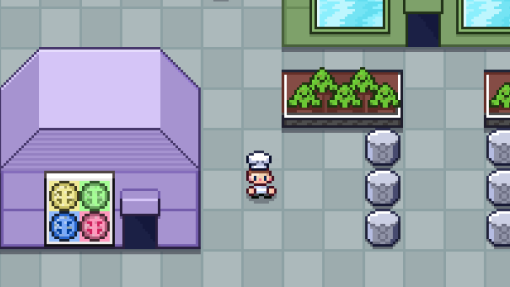
Run your game in picture-in-picture or a separate browser tab while you build. Each save sends over your latest Spritedeck data and reloads the game, so you can keep iterating without the wait.

Starter Templates
Not a coder? No problem! Choose a prebuilt game, then jump straight into building levels and adding your own art. When you're ready, fork the code and make the whole thing yours.

MCP Enabled
Give your coding agent a seat at the editor. Ask it to build Rooms, lay out collision, place Objects, or review your level—and watch your open Document take shape. Every change is undoable, so go wild.

Watch a video tour
Get to know Spritedeck and see how a game world comes together from scratch. We’ll walk through the basics and build a small world along the way.
Pst... have questions or need help?
Be sure to join our Discord server.